Sound Stage
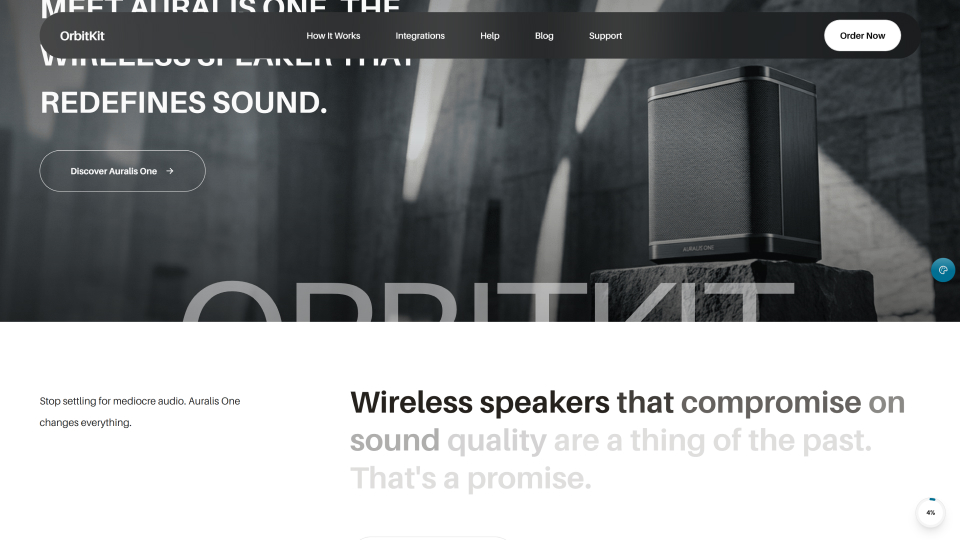
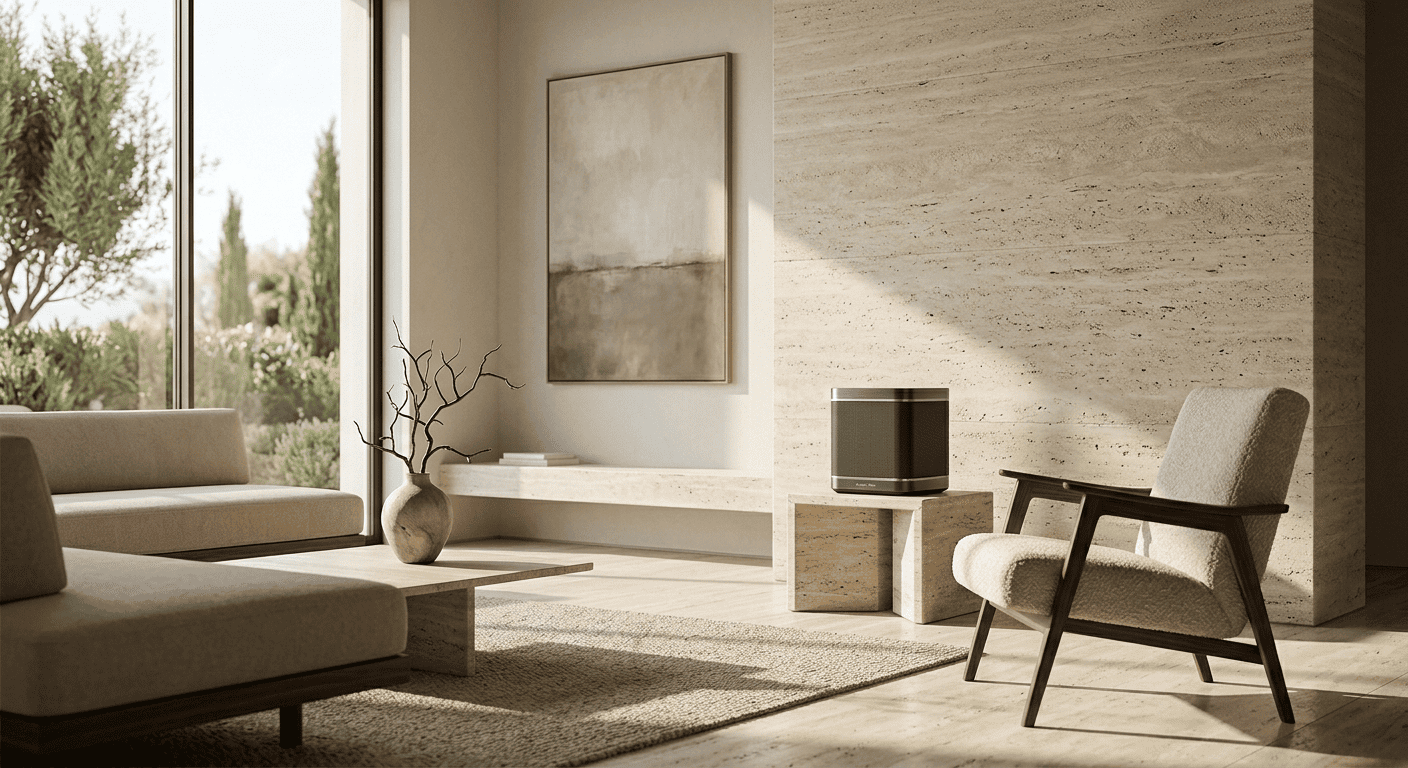
Immersive sound engineered for your living space. Set up your Auralis One.
Setting up OrbitKit's Auralis One is designed to be effortless. From unboxing your speaker to tuning the audio output for your room's unique acoustics, follow our guide to calibrate and connect your sound system.
01
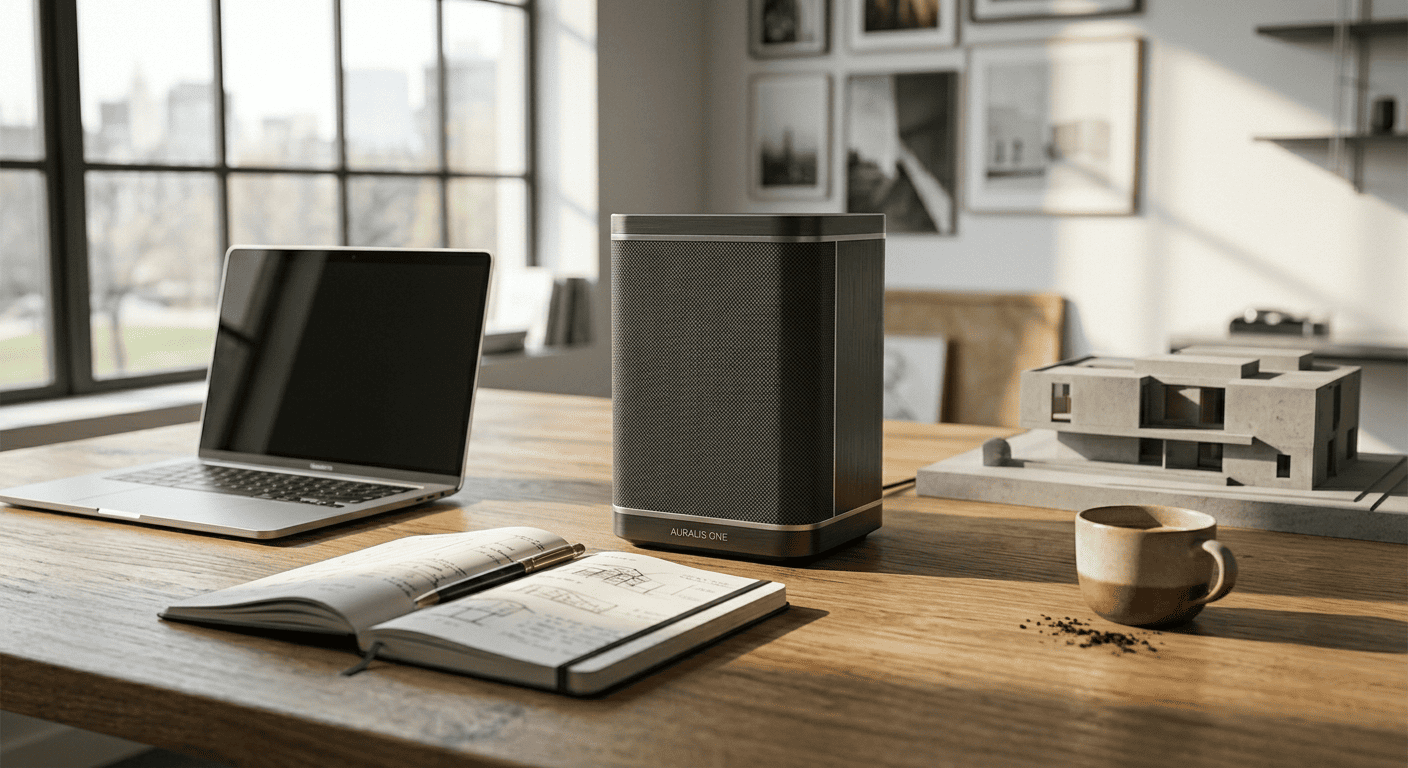
Connect your speakers and launch the OrbitKit app.
Instant wireless discovery
Turn on your Auralis One speaker, open the OrbitKit companion app on your device, and let our auto-discovery system handle the setup. Connecting to your local dual-band Wi-Fi or Bluetooth 5.3 is seamless and secure.
02
Configure, group, and tune your home speaker zones.
Manage individual speakers or group them together into custom home zones to stream synchronized audio everywhere.

Instantly control volume levels, play/pause states, and select audio input sources for each speaker dynamically.
03
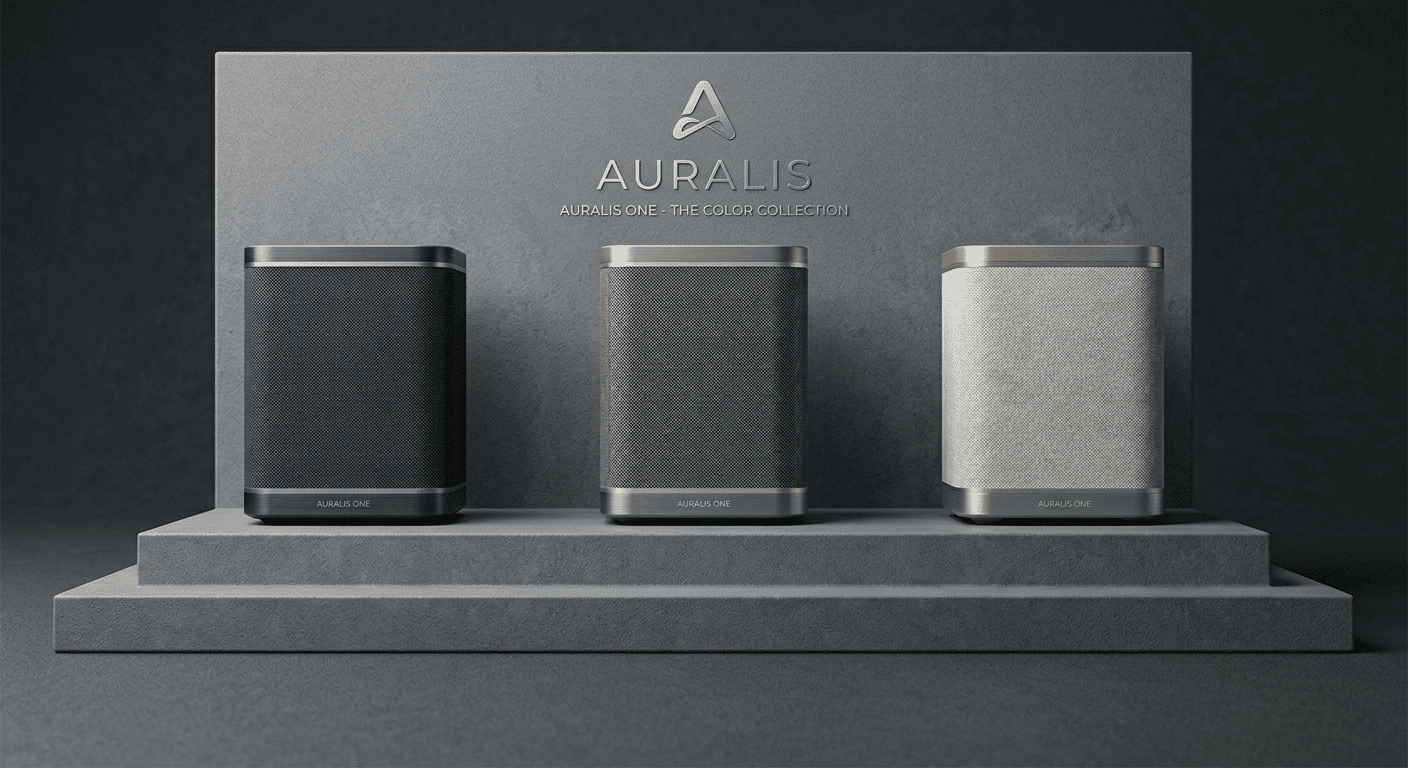
Optimize and sync your playback settings.
Calibrate your soundscapes
Fine-tune equalizer balances, run automated spatial room mapping for acoustic adaptation, and sync third-party audio stream providers in real time through the integrated OrbitKit dashboard.